2026 trend: why real-time rendering is becoming a must-have
In 2026, clients expect more immersive experiences, shorter delivery times and more design iterations, without additional costs. Real-time rendering is therefore no longer a gadget, but a strategic lever to win projects and keep them profitable.
.jpg)
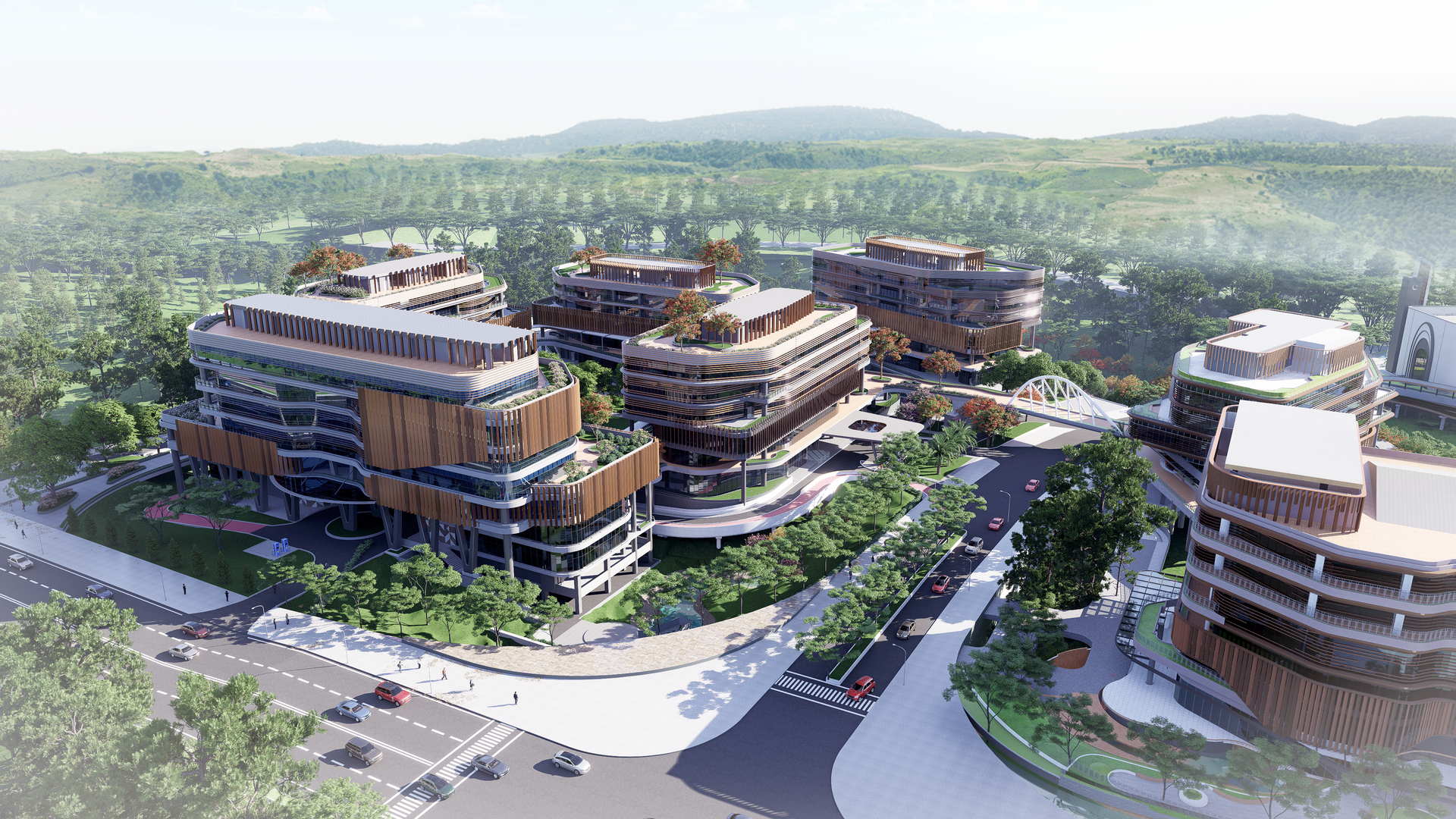
Real-time rendering is evolving in 2026 from a “nice to have” to a true must-have for architects, interior designers and landscape designers. Firms that still wait for long renders to finish or outsource their visuals lose speed, persuasive power and margin compared to competitors who already walk clients through their designs live.
D5 Render is the ultimate tool for this: true real-time raytracing, high image quality and a workflow that integrates seamlessly with tools like Revit, Archicad and SketchUp.
What are the basic principles of real-time rendering?
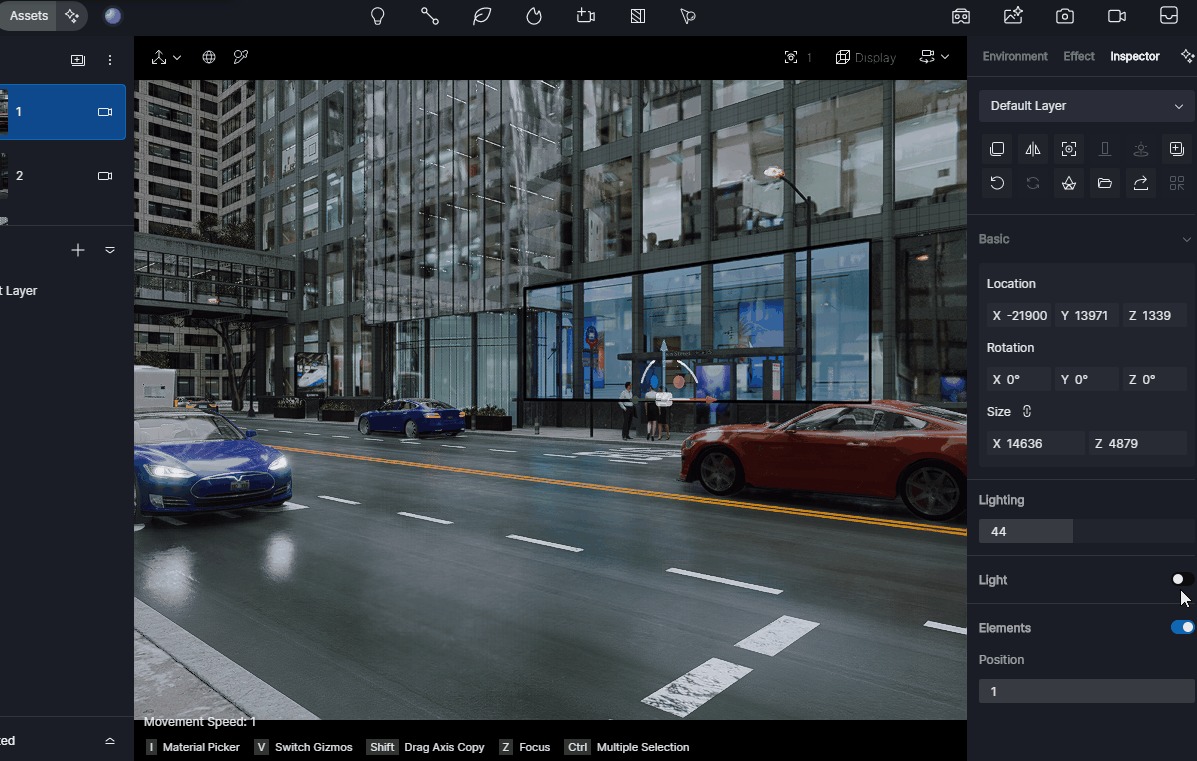
Real-time rendering means your scene is updated almost instantly whenever you change something: materials, lighting, camera or environment. Everything is recalculated live and immediately visible in your viewport. Instead of waiting minutes or hours for a static render, you get a smooth, interactive experience. That is ideal for design sessions and client presentations.
Technically, it relies on a combination of powerful GPUs, smart raytracing algorithms and techniques such as global illumination and denoising. D5 Render goes very far here, with precise light and shadow transitions, highly believable glass reflections and a viewport that is almost identical to your final render – all without needing an extra “render button”.
What are the best software options for real-time rendering in architecture?
The most widely used real-time engines in architecture today are D5 Render, Lumion, Twinmotion and Enscape. They share some core principles (fast feedback, integrated asset libraries), but differ significantly in terms of quality, speed and workflow.
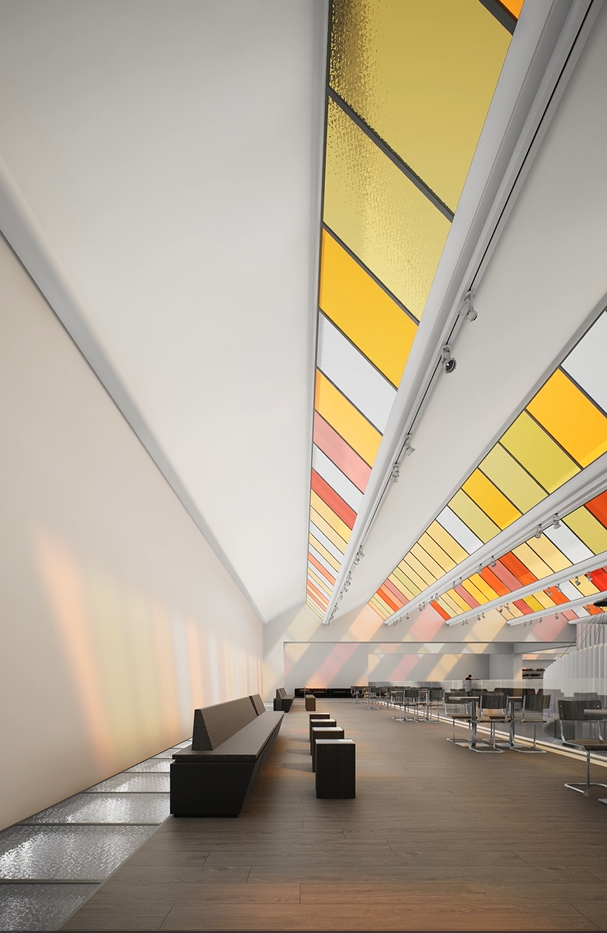
- D5 Render is often cited in recent comparisons as the most realistic real-time renderer, with particularly strong lighting and glass rendering, and very short render times, even for animations.
- Lumion remains known for its ease of use and large content library, but lags behind in true real-time raytracing and accurate reflections, especially in complex lighting situations.
- Twinmotion performs well on accessibility and its Unreal ecosystem, but generally offers less refined detail in high-end architectural scenes than D5.
For architecture, interior and landscape firms that want both speed and top quality, D5 Render therefore naturally emerges as the ultimate solution: realistic output at the level of offline renderers, but with the speed of a true real-time engine.
Which software is best for real-time visualization?
Which rendering software is “best” for your firm depends on how you want to use the tool. Do you mainly need presentations, competition images, VR walkthroughs or animations? Even so, clear patterns appear in independent comparisons.
- For pure visualization quality (light, materials, reflections), D5 Render is often named the winner, especially thanks to its real-time raytracing and support for final renders up to 16K.
- For interactive client presentations, D5 performs strongly because the viewport very closely matches the final image. What you see in the live view is almost what you export.
- For animations, benchmarking shows that D5 often renders 5 to 10 times faster than traditional engines at comparable quality, which makes it particularly attractive for flythroughs and walkthroughs.
In 2026, this makes D5 Render a particularly strong choice if you are looking for a single tool that can handle fast iterations, convincing stills and high-end animations, without long waiting times.
What are the best graphics cards for real-time 3D projects?
Real-time rendering stands or falls with your graphics card. Modern engines like D5 Render are optimized for recent NVIDIA RTX cards, because they offer dedicated raytracing cores and AI features such as DLSS and denoising.
- At the entry level, cards like an RTX 3060/4060 are suitable for smaller projects and basic architectural work.
- For medium to large architecture and interior projects, RTX 4070/4070 Ti or 4080 are often mentioned as the sweet spot between price and performance.
- For very heavy, large-scale scenes (city districts, complex landscapes), cards like the RTX 4090 or the new 50‑series come into play, with users reporting that D5 runs above 40–100 fps in complex scenes.
The key point: truly benefiting from D5 Render in real time means not only exporting final renders faster, but having your entire design experience – moving the camera, changing materials, adjusting lights – run smoothly. A good GPU is not a luxury, but a core part of your setup.
Why D5 Render is a must-have in 2026
D5 Render combines exactly what architecture firms need:
- true real-time raytracing with extremely realistic lighting and reflections
- a fast, intuitive workflow with live-sync from the most popular BIM and 3D tools
- render/animation speeds that far surpass traditional tools without compromising quality
Anyone who invests in real-time rendering in 2026 is not just creating beautiful images, but building a competitive advantage. That is why D5 Render is a logical, future-proof choice as the ultimate real-time engine for architecture, interior and landscape.
FAQ – Real-time rendering in D5 Render
What hardware requirements does D5 Render have for real-time raytracing?
D5 Render has clear hardware requirements. The graphics card (GPU) and the amount of VRAM are the most important factors for a smooth experience in complex architecture, interior and landscape projects. Older cards without DXR support are excluded. In practice, you can think in tiers:
- entry level: RTX 2060–3060 range
- office standard: RTX 3060/4060 or 4070
- high-end archviz: RTX 4080–4090 + 64 GB RAM
Is macOS support or an alternative for D5 Render available?
D5 Render currently does not support macOS. It runs on Windows only, because the engine is built on DirectX 12/DXR, which macOS does not support. For Mac users there is a dedicated Mac waitlist to stay informed about future compatibility, but there is no official release date or public Mac version yet.