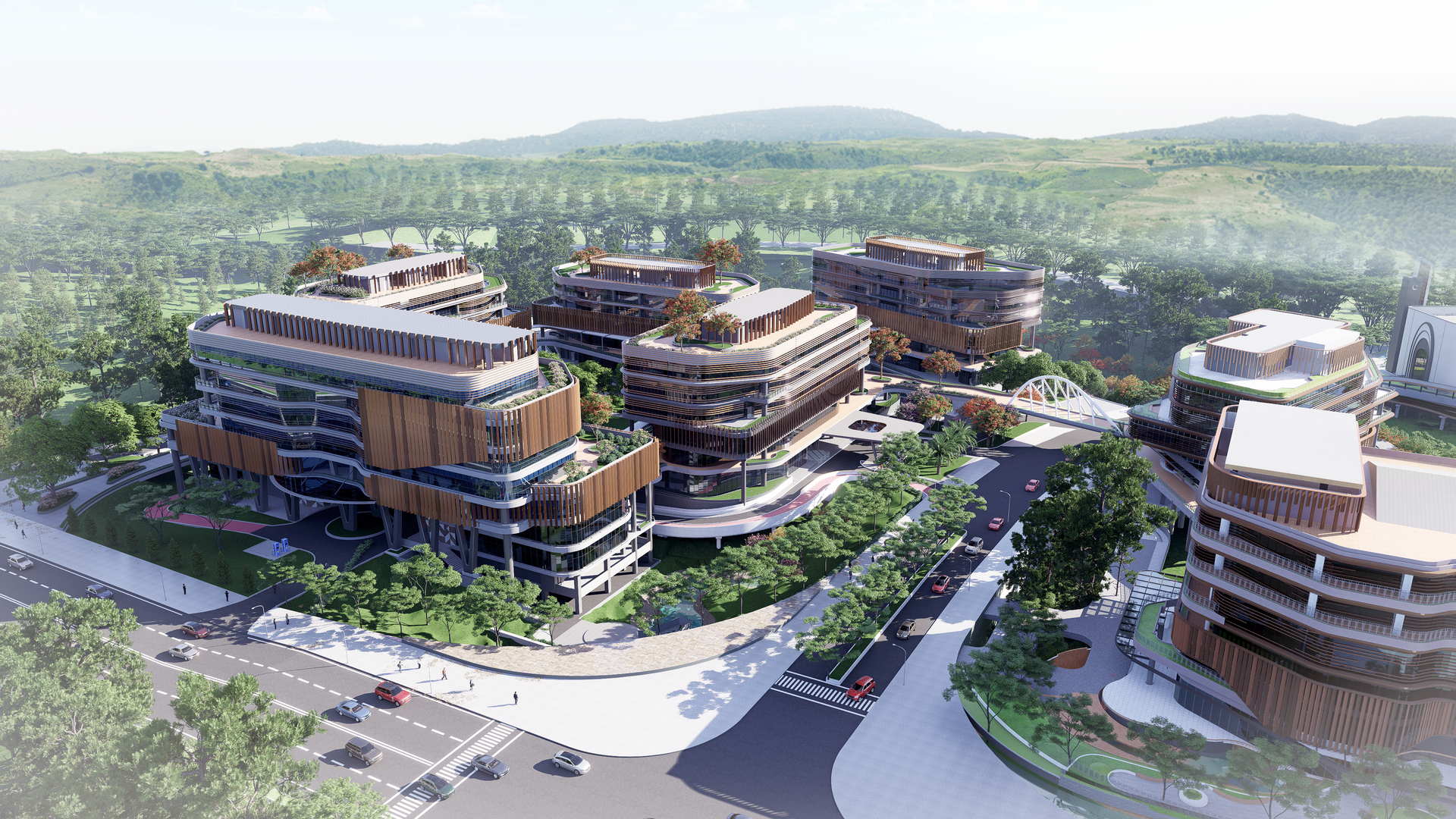
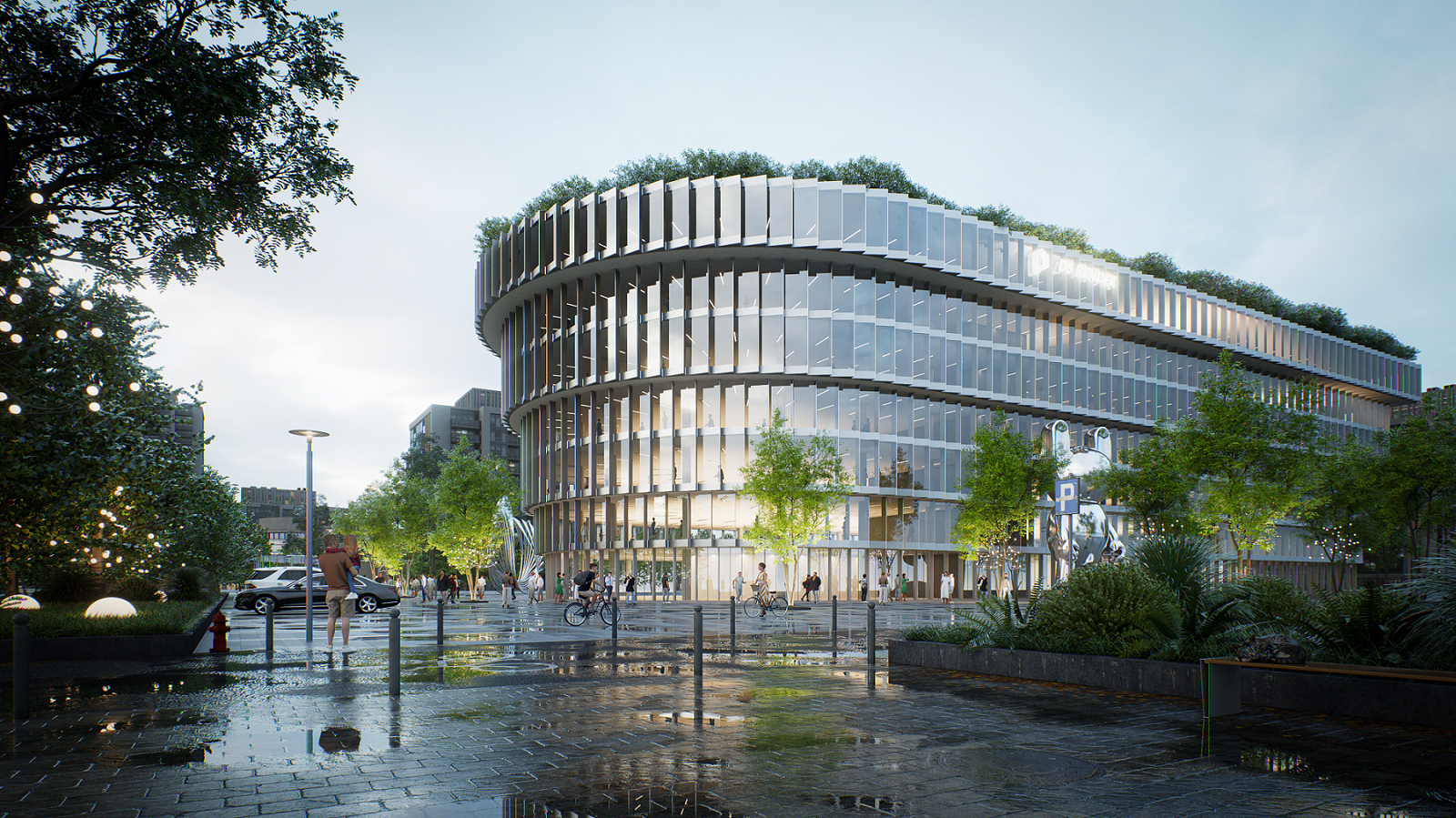
D5 Lite: AI rendering directly in SketchUp for faster concept visualization
In many architecture and design workflows, there is a gap between a rough 3D model and a convincing visualization. You create a model in SketchUp, but to present the design realistically, you often need to export it to a separate rendering tool. This takes time and interrupts your workflow.
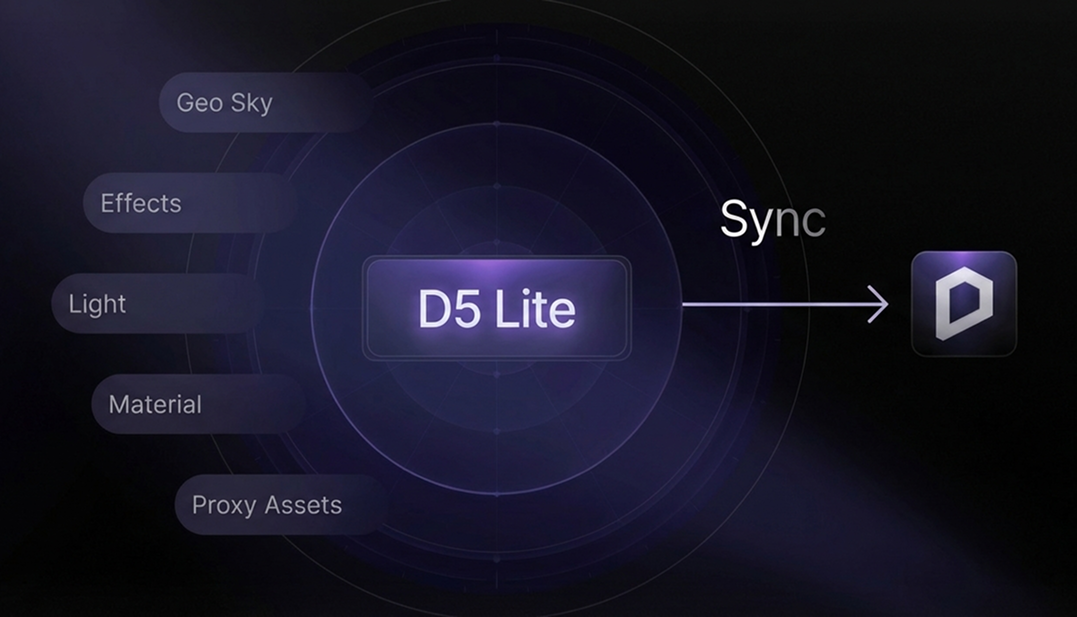
D5 Lite is designed specifically to solve that problem for SketchUp users. This AI render plugin makes it possible to generate real-time visualizations and AI concept images directly in SketchUp, without export or complex settings. The result: faster iteration, faster decisions, and faster persuasion.
What is D5 Lite?
D5 Lite is an AI-native rendering plugin for SketchUp that combines real-time visualization with generative AI. Its goal is to give designers visual feedback early in the design process, without leaving their modeling environment.
Instead of modeling first and rendering later, you immediately see how lighting, materials, and atmosphere affect your design.
Key features of D5 Lite:
- Real-time rendering directly in SketchUp
- AI concept generation based on your viewport
- Fast iterations without export or additional software
- Direct connection with D5 Render for final visualizations
Visualization is no longer just the final step, but becomes an integral part of the design process.
Why an AI render plugin for SketchUp is valuable
For architects and interior designers, speed is often crucial. A concept sometimes needs to be visually clear within minutes for a client or colleague.
With traditional rendering software, you often need to export your model first, reassign all materials, and then wait for the final result. D5 Lite drastically shortens that process. Because the plugin runs directly inside the SketchUp viewport, you can already experiment with different lighting conditions, materials and textures, or mood and style variations while modeling. This quickly turns a model into a visually convincing concept.
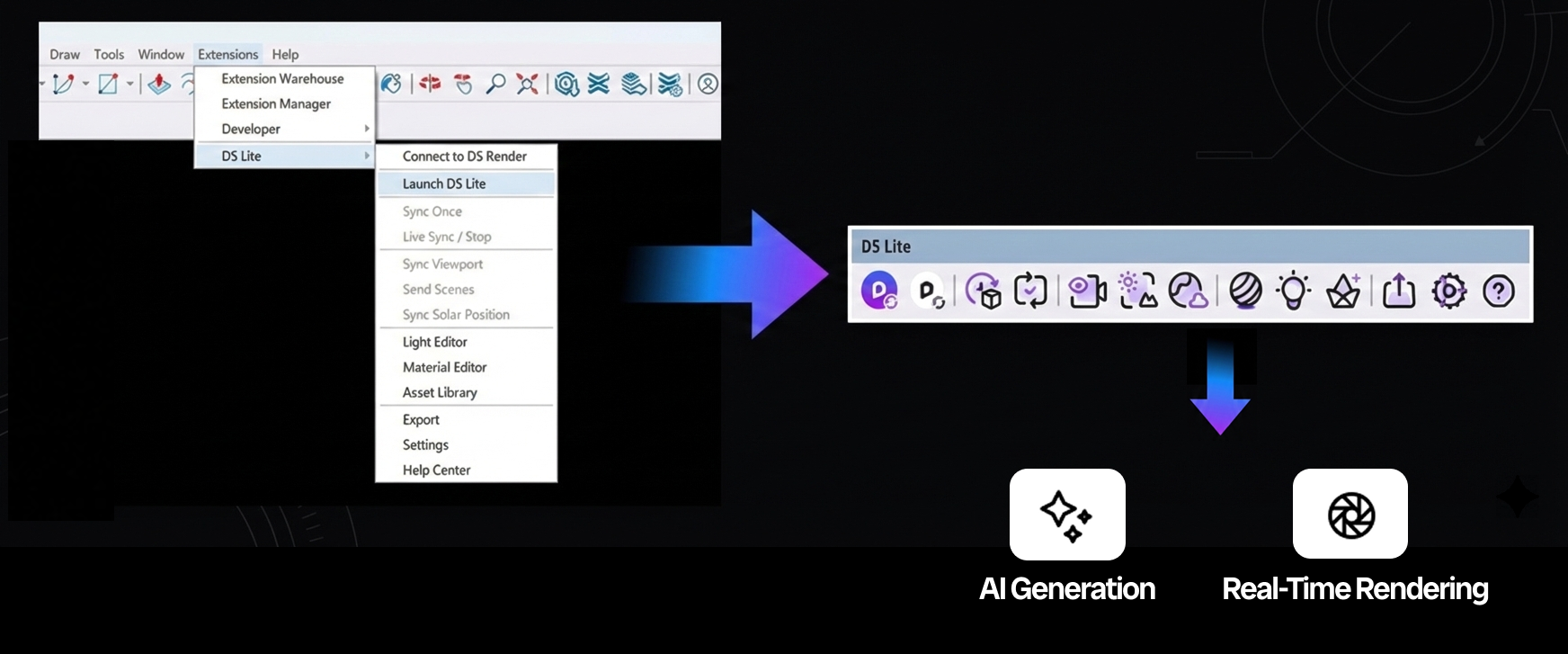
Real-time rendering during design
One of the strongest features of D5 Lite is its live synchronization with your model. When you change something in SketchUp, such as a material, furniture, or lighting, the visualization updates instantly.
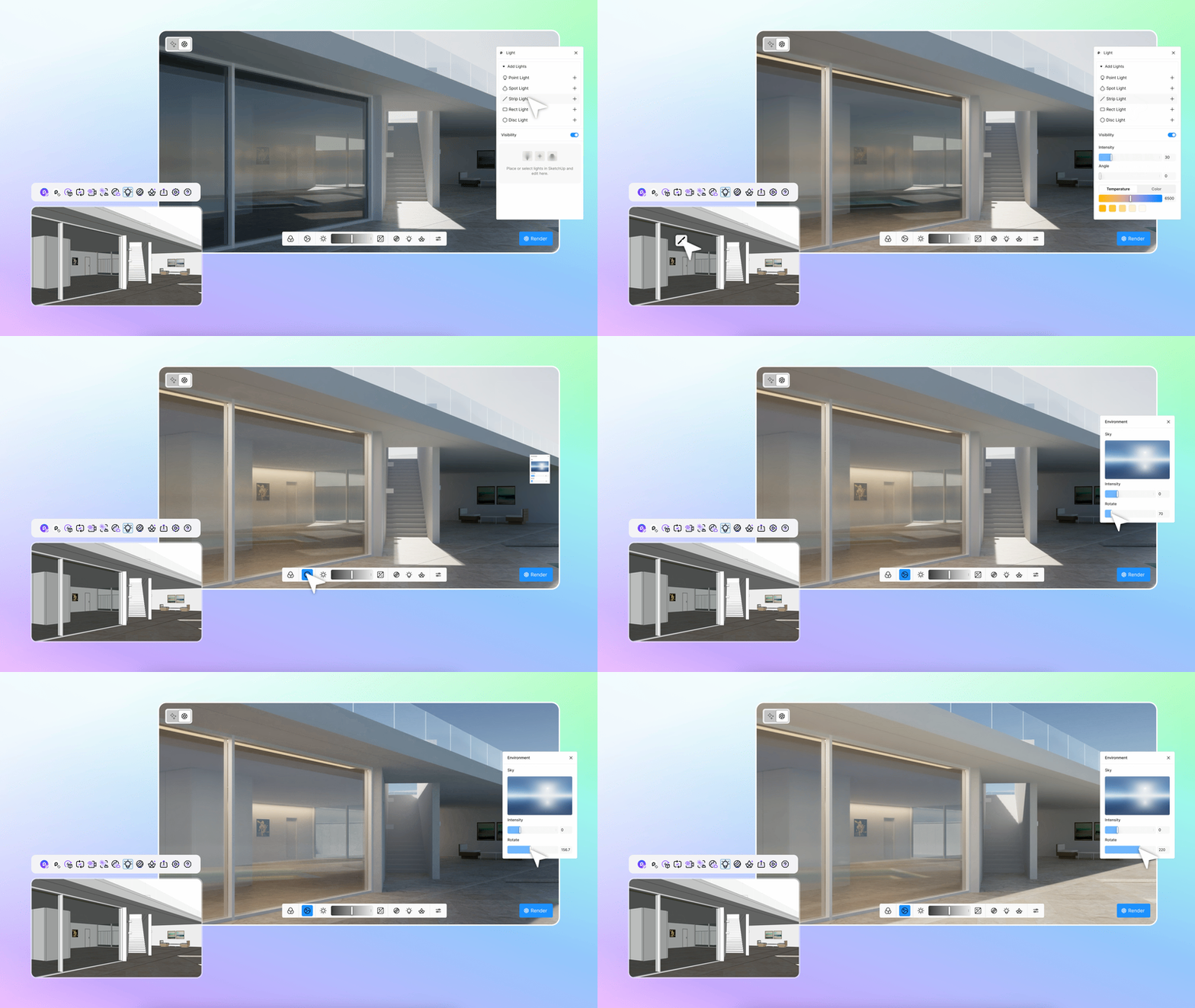
This allows you to make live adjustments during client meetings, test design variations faster, and iterate without re-rendering.
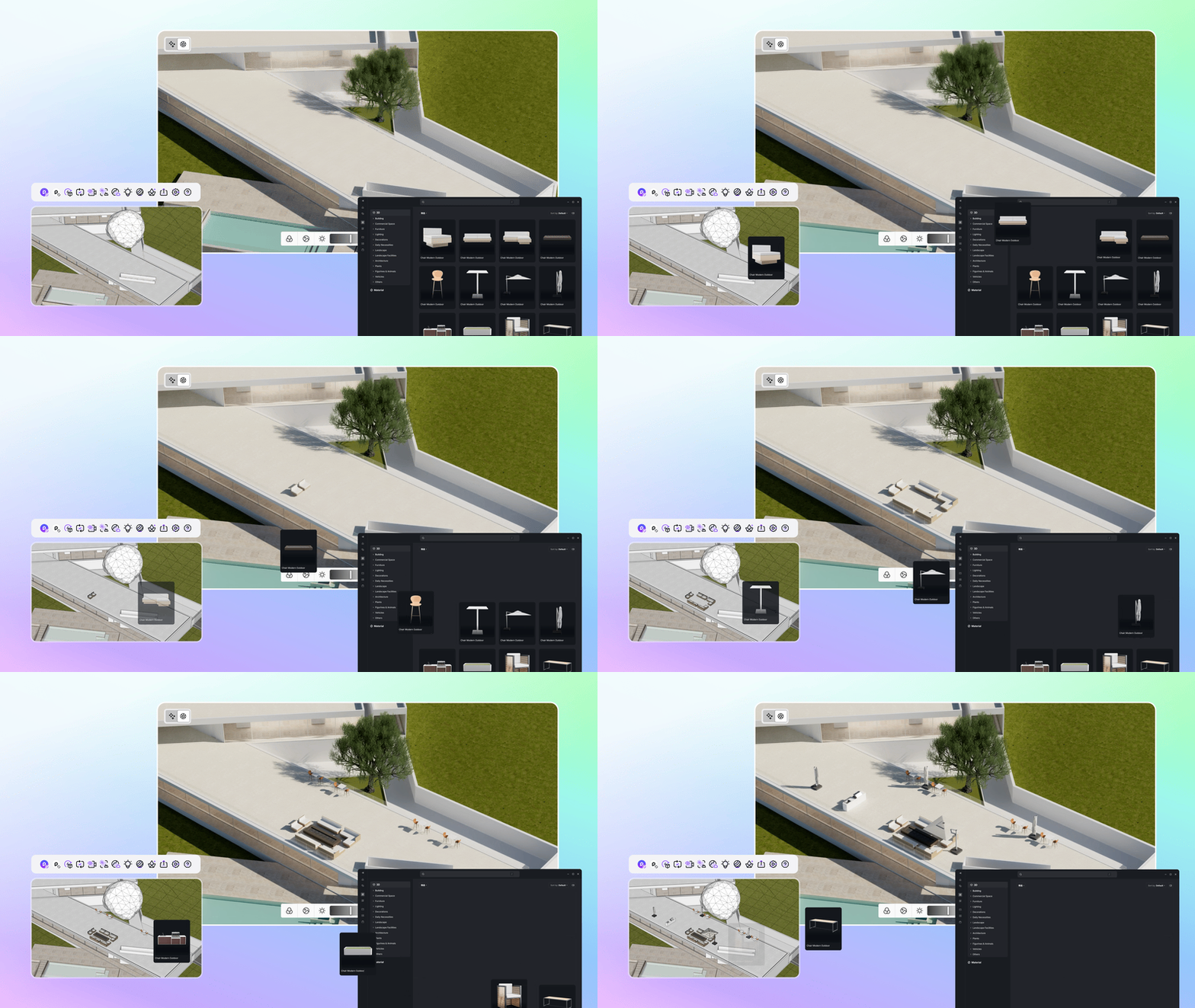
In addition, you get direct access to a built-in library full of furniture, plants, and decorations. These keep your SketchUp file lightweight and fast, while D5 Lite renders them fully photorealistically in the background.
Generate AI concept images from your SketchUp model
In addition to real-time rendering, D5 Lite also includes an AI image generation feature for SketchUp.
The workflow is simple:
- Choose a camera viewpoint in SketchUp
- Capture the viewport
- Let AI generate different visual styles
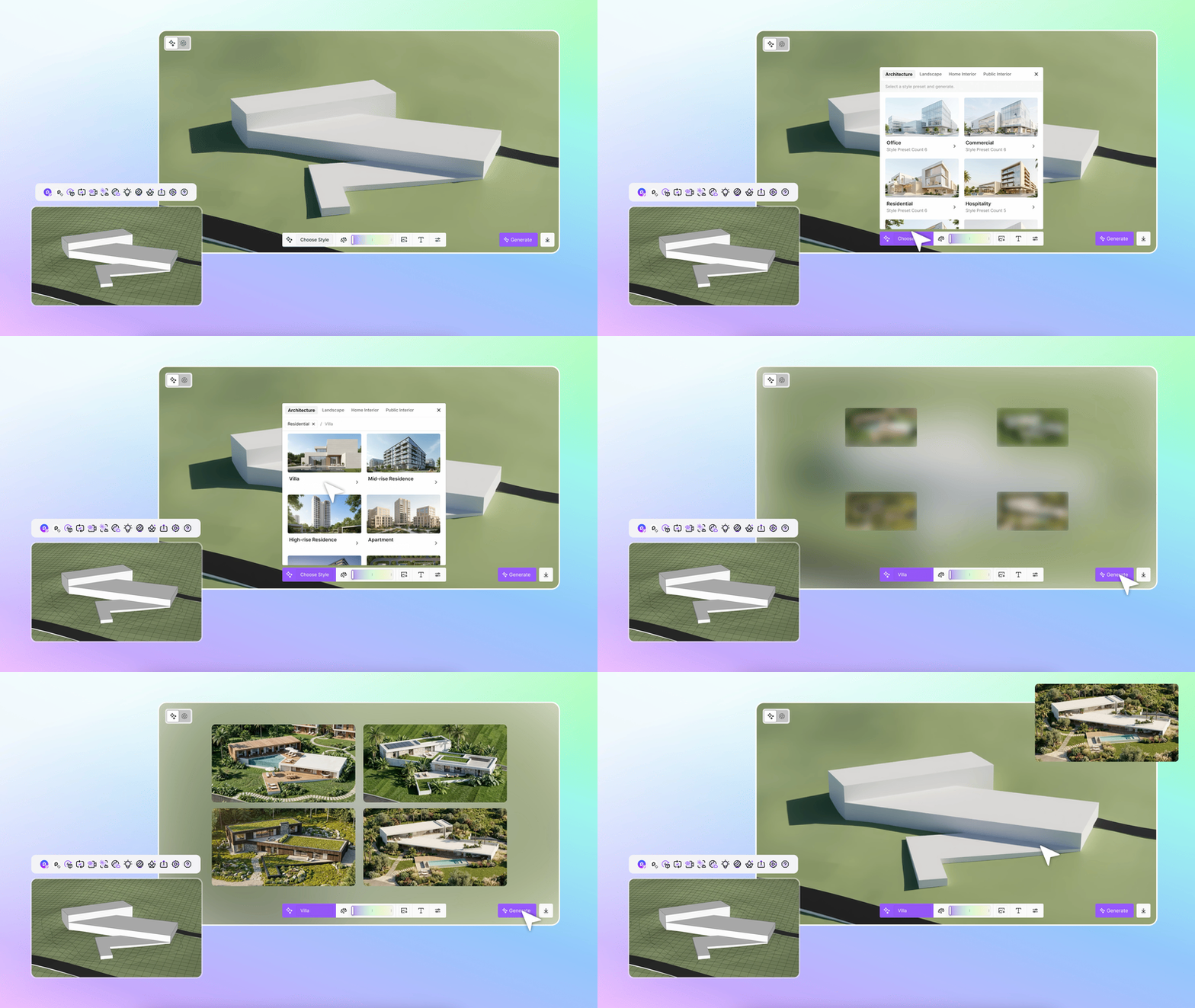
The built-in AI quickly transforms a simple model into a realistic architectural visualization. It also allows you to easily generate a wide range of mood images and instantly explore new variations in materials and environments. You always stay in control. You decide exactly how much freedom the AI gets: do you choose a strict translation that closely follows your original SketchUp model, or do you allow a looser, more creative interpretation? This makes it especially interesting for concept design and rapid inspiration.
D5 Lite vs. traditional rendering tools
Many architects use tools like Lumion for real-time visualization. D5 Lite positions itself slightly differently: it mainly focuses on concept visualization directly within SketchUp.
Key difference:
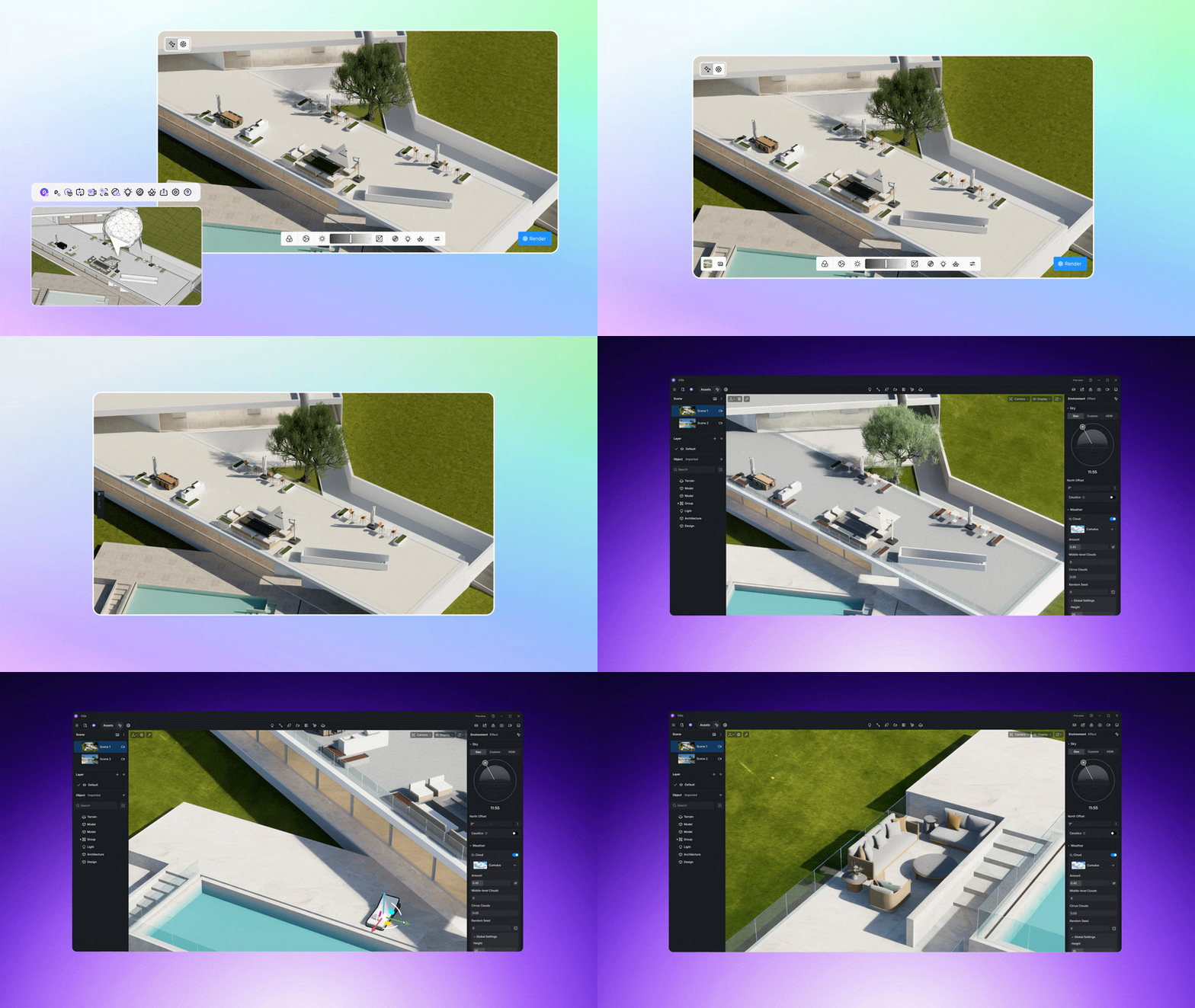
When a project is more advanced, you can still synchronize the model with D5 Render for a fully finished render or animation.
Does D5 Lite only work with SketchUp?
An important point: D5 Lite currently works exclusively with SketchUp. The plugin supports SketchUp versions from approximately 2021 to 2026.
In the future, D5 Lite will expand support to other well-known design tools, including Rhino, Autodesk Revit, and Autodesk 3ds Max. However, there is no confirmed timeline yet for these expansions.
For designers working with SketchUp, D5 Lite is an interesting step toward a faster visualization workflow. Because real-time rendering and AI concept generation are now integrated directly into SketchUp, you can test ideas visually at high speed, iterate more easily, and involve clients earlier in the process.
FAQ: Everything about D5 Lite
What is D5 Lite?
D5 Lite is an AI rendering plugin that adds real-time visualization and AI concept generation to SketchUp.
Does D5 Lite work with other 3D software?
Currently, the plugin only works with SketchUp. Support for other tools may follow in the future, but there is no confirmed timeline yet.
Is D5 Lite free?
Yes. The basic version with real-time rendering is free. Some AI features require a Pro license.
What is the difference between D5 Lite and D5 Render?
D5 Lite is intended for fast concept visualization in SketchUp. D5 Render is the full rendering software for high-end renders, animations, and presentations.
Can I transfer my project from D5 Lite to D5 Render?
Yes. Projects can be synchronized so that materials, lighting, and settings are preserved.