Lumion versus D5 Render: which rendering software should architects choose?
Are you hesitating between Lumion and D5 Render for your architectural visualizations? Today, architects are looking for faster workflows, greater realism, and seamless integration with Revit or SketchUp. In this article, we compare both rendering solutions and explain why more and more firms are choosing D5 Render as an alternative to Lumion.
What is the difference between Lumion and D5 Render?
Lumion has been a well-established name in architectural rendering for many years. However, while Lumion relies on a more traditional workflow, D5 Render is fully focused on real-time design visualization. This means less waiting time, faster iterations, and more control during the design process.
D5 Render is a real-time rendering solution built around ray tracing, GPU acceleration, and AI support. The focus is on speed, physically accurate lighting simulation, and direct integration with design software.
The advantages of D5 Render versus Lumion
D5 Render offers true real-time ray tracing in the viewport, allowing you to immediately see what the final renders will look like, while Lumion often needs to refresh previews to display similar quality.
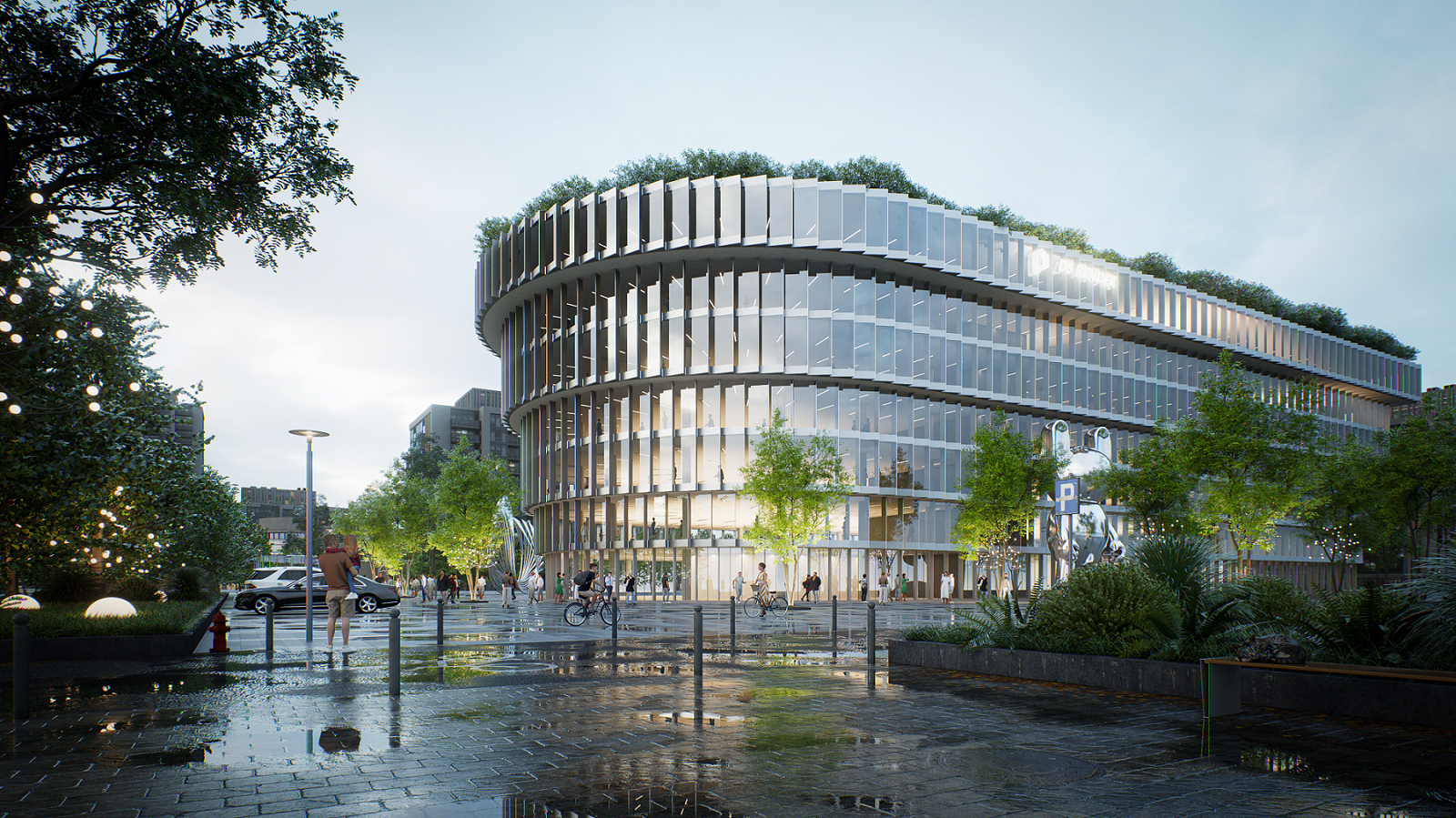
Lighting, shadows, and reflections are generally rendered more realistically in D5 Render thanks to its ray tracing algorithm; Lumion can fall short in complex lighting situations and glass reflections.
For animations, D5 Render can render up to 10 times faster than Lumion, even at comparable quality.
Which rendering software is faster when making design changes: Lumion or D5 Render?
In modern architecture, speed and flexibility are essential. Design changes happen quickly, especially during the concept phase. That is why D5 Render works with real-time ray tracing. In practice, this means:
- Instant light calculation with every change
- Shadows that update immediately when adjusting the sun position
- Reflections that automatically adapt when materials change
For example, if you change a façade material from concrete to glass, you instantly see how environmental reflections evolve in real time. When you adjust the sun’s position, cast shadows shift immediately across the terrace or façade.
With Lumion, this process is less direct and more often requires additional steps or recalculations. For firms that need to move quickly, this creates a noticeable difference in workflow efficiency.
How realistic are lighting, shadows, and reflections in D5 Render?
Today, photorealism is no longer a luxury but a clear expectation from clients. Clients want more than plans and technical drawings—they want a convincing and lifelike image of what their project will actually look like. The more realistic the visualization, the faster decisions can be made and the lower the risk of misunderstandings during the construction phase.
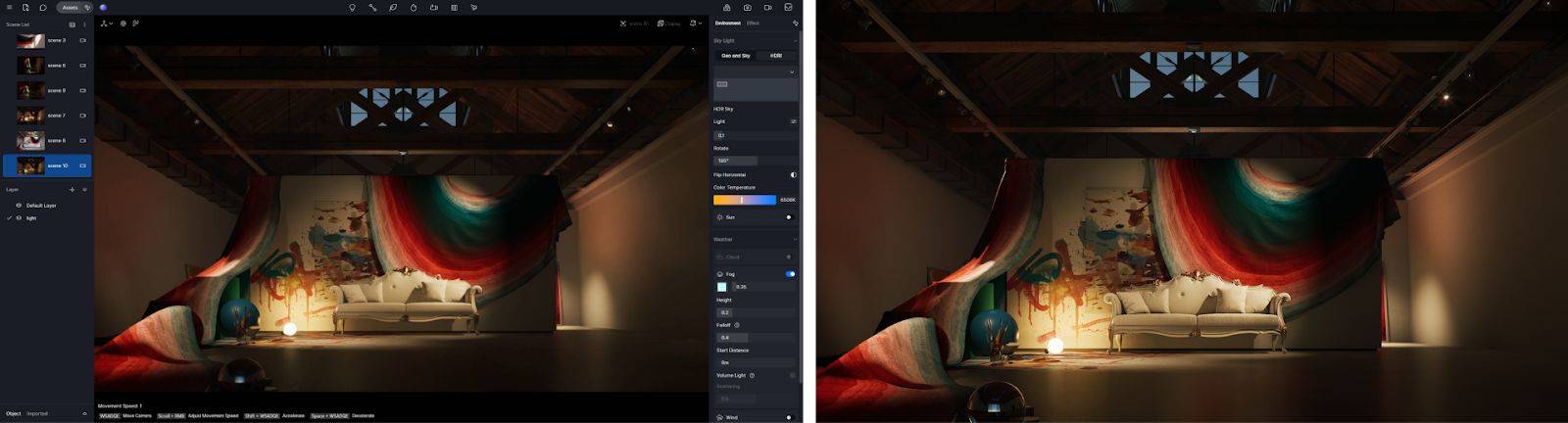
D5 Render uses physically accurate lighting simulation and real-time ray tracing. This results in:
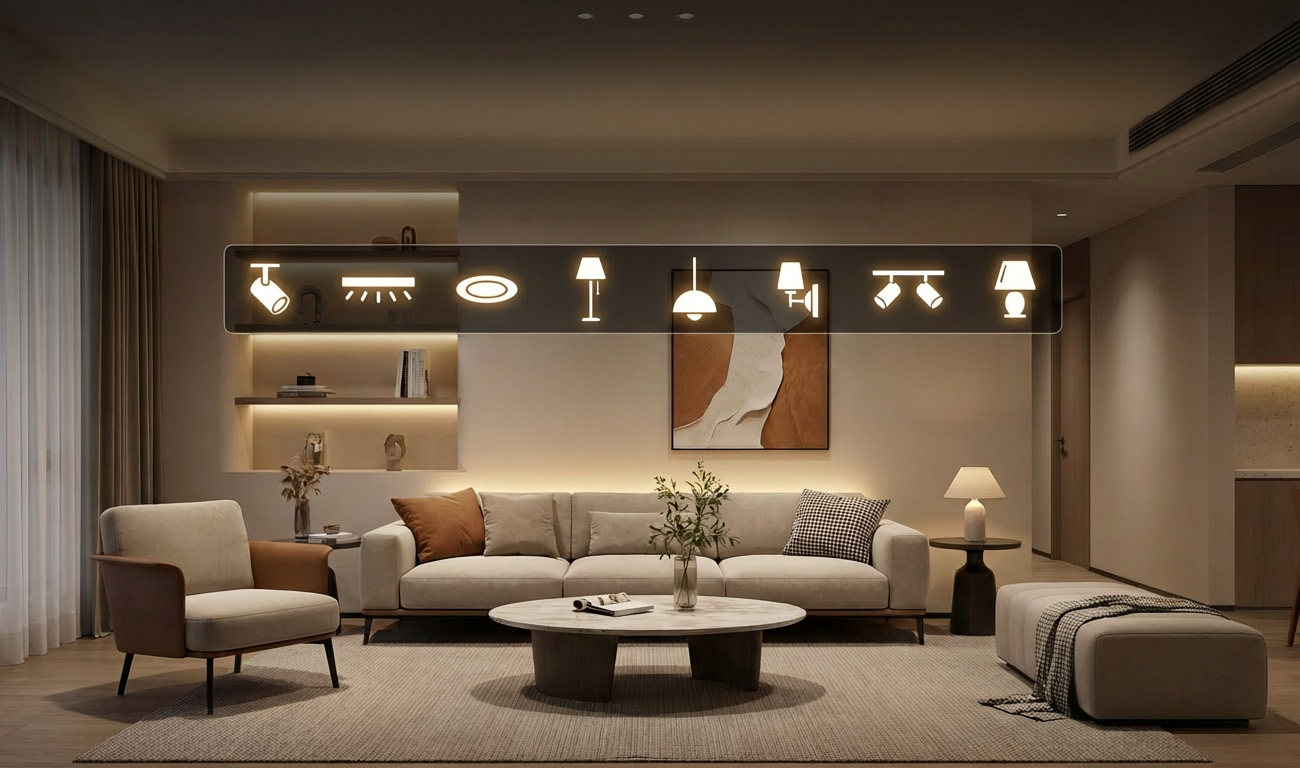
- Natural daylight in interiors, with realistic light penetration that reveals the true atmosphere of spaces
- Soft, believable shadow transitions that enhance depth and materiality
- Accurate reflections in glass, water, and polished materials, making façades and interiors feel lifelike
- Balanced evening and night scenes without unnatural overexposure or loss of detail
Why is this so important? Because the perception of light and materials defines how a design is experienced. A space may be perfectly designed on plan, but only through realistic visualization can a client truly understand scale, atmosphere, and quality. Think of large glass façades showing accurate reflections of trees and surroundings, or a living room where soft afternoon light brings materials to life. These kinds of images build trust and emotional engagement.
Lumion can also produce strong visuals, but often requires more manual fine-tuning and additional settings to reach the same level of realism. With D5 Render, photorealism becomes a natural part of your workflow rather than a technical challenge.
How extensive is the D5 Render asset library?
D5 Render features a large and continuously growing asset library specifically tailored for architectural visualization. It’s not just about quantity, but above all about quality and ease of use. Assets are optimized for real-time rendering and are visually consistent, allowing scenes to look professional quickly without extensive fine-tuning.
The library includes high-quality vegetation such as trees, shrubs, and grass, furniture for interior and exterior projects, people, vehicles, street furniture, and realistic PBR materials with correct texture and light response.
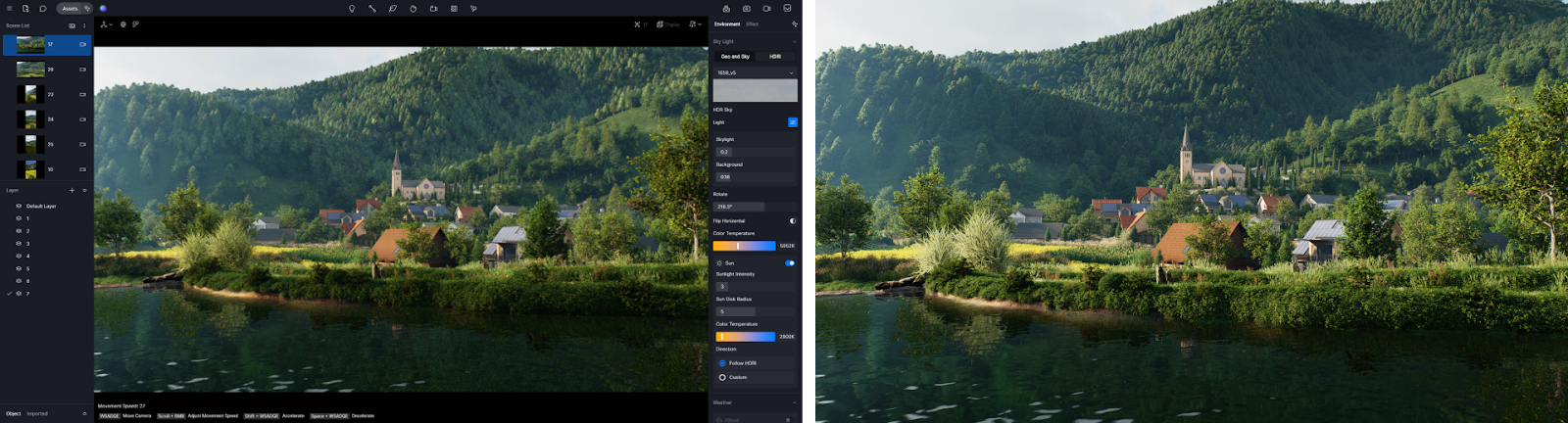
For architects, this means you can build a complete scene without purchasing or importing external models. This not only speeds up your workflow but also ensures consistency in style and quality.
An extra advantage of D5 Render: the Scatter Tool
In addition to its asset library, D5 Render offers a major advantage over Lumion: the Scatter Tool.
This tool allows you to automatically and realistically distribute large quantities of vegetation or objects across a site in just a few clicks. Think of grass that adapts automatically to terrain height differences, shrubs organically spread across a landscape design, or trees placed naturally without repetitive patterns.

Instead of manually positioning every element, you can build complete outdoor environments in a fraction of the time. Especially for residential projects, subdivisions, and landscape architecture, this results in significant time savings and a more natural final outcome.
D5 Render therefore combines a strong asset library with smart tools that structurally accelerate your workflow.
Does D5 Render work with Revit or SketchUp?
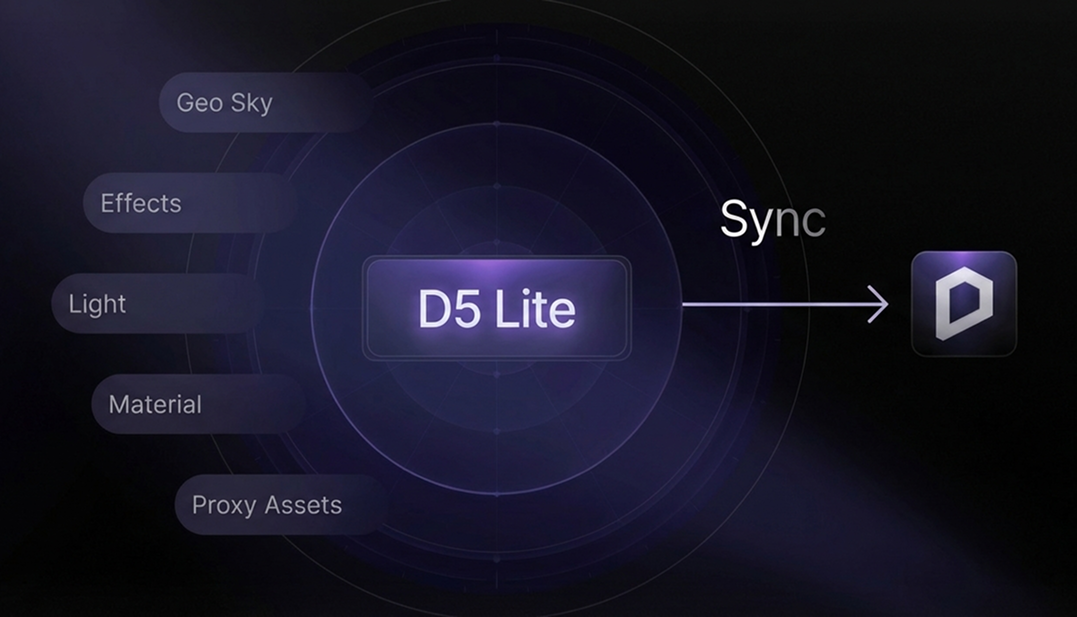
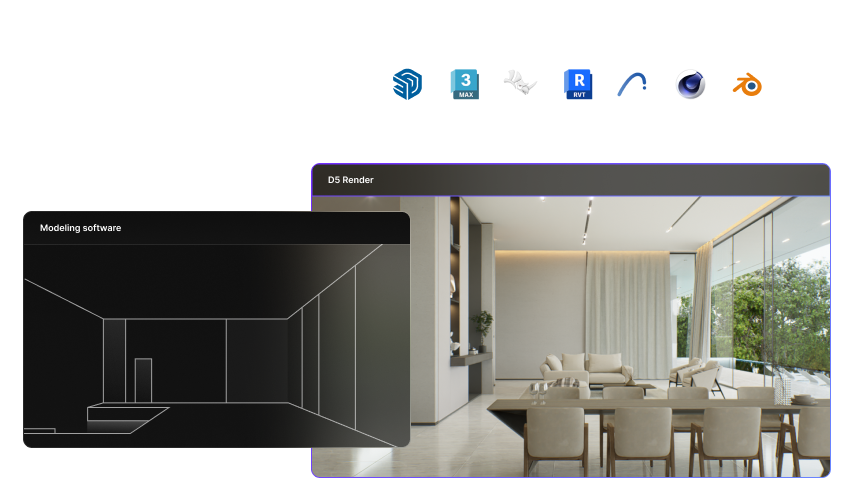
Thanks to real-time synchronization between D5 Render and Revit or SketchUp, changes made to your BIM or 3D model are immediately visible in D5 Render. There is no need to export or reimport files. Every change to your model—from material adjustments to volumetric studies—is instantly reflected in your visualization.
This direct connection ensures that design and visualization are no longer separate steps. As your model evolves in Revit or SketchUp, your render evolves simultaneously. This is especially valuable during the concept phase or in client meetings.
In specific terms, this means:
- No time lost during iterations
- No duplicate actions or error-prone exports
- Immediate feedback during design discussions
- Smoother and more convincing client presentations
For architects who work daily in Revit or SketchUp, this real-time synchronization makes a fundamental difference in efficiency. Visualization is no longer a final step, but an integrated part of the design process.
Lumion versus D5 Render: concise comparison
Why are more and more architects switching from Lumion to D5 Render?
Architects today are primarily looking for efficiency and quality within a single workflow. They want to deliver visuals faster without sacrificing realism, make design changes without repeatedly waiting for new renders, and fully leverage modern GPU hardware. At the same time, the software should not create a technical barrier. The goal is clear: to create convincing, photorealistic images without complex settings or time-consuming intermediate steps.
D5 Render turns visualization into an integrated part of the design process rather than a separate phase. As a result, you save time, improve the quality of your presentations, and work more efficiently as a firm.
For architects who want to modernize their workflow and remain competitive, D5 Render is a logical alternative to Lumion.
Discover for yourself why D5 Render is the alternative to Lumion
Want to experience how real-time ray tracing, live sync with Revit or SketchUp, and a powerful asset library can accelerate your workflow?
Try D5 Render and discover the difference in speed, realism, and ease of use.
FAQ: Lumion versus D5 Render
Is D5 Render a good alternative to Lumion?
Yes. D5 Render offers real-time ray tracing, high image quality, and a faster workflow. For many architects, it is a more modern and efficient alternative.
Which rendering software is better for architects?
That depends on your workflow. Architects who value speed, real-time feedback, and photorealism increasingly choose D5 Render.
Can I easily switch from Lumion to D5 Render?
Yes. Thanks to its intuitive interface and real-time synchronization with common CAD and BIM tools, the transition is smooth—even without extensive training.