D5 Render versus Twinmotion: which rendering software should you choose as an architect?
Are you hesitating between Twinmotion and D5 Render for your architectural visualizations? Today, architects are looking for a fast workflow, absolute photorealism, and an intuitive interface that accelerates the design process. In this article, we compare both rendering solutions and explain why more and more designers are switching to D5 Render as the ultimate alternative to Twinmotion.

What is the difference between Twinmotion and D5 Render?
Both programs offer powerful real-time rendering, but their focus and user experience differ significantly. Twinmotion is known for its relatively simple interface and integration with Unreal Engine. D5 Render, on the other hand, is specifically built around pure speed, instant photorealism, and smart AI tools for architects. D5 Render combines real-time ray tracing and path tracing with a smooth workflow, allowing you to create top-quality visuals without getting lost in complex settings.
The advantages of D5 Render versus Twinmotion
D5 Render offers direct and refined control over your final image quality. Lighting, reflections, and materials in D5 Render immediately look lifelike. In addition, D5 Render includes essential features that are either missing or more cumbersome in Twinmotion. For example, you can apply “round corners” with a single click, instantly softening sharp, unnatural edges on furniture and walls for a more realistic look. Additionally, D5 Render allows you to easily export render elements (such as material IDs and Z-depth), which is crucial for a smooth post-production workflow in Photoshop—a feature that Twinmotion does not provide.
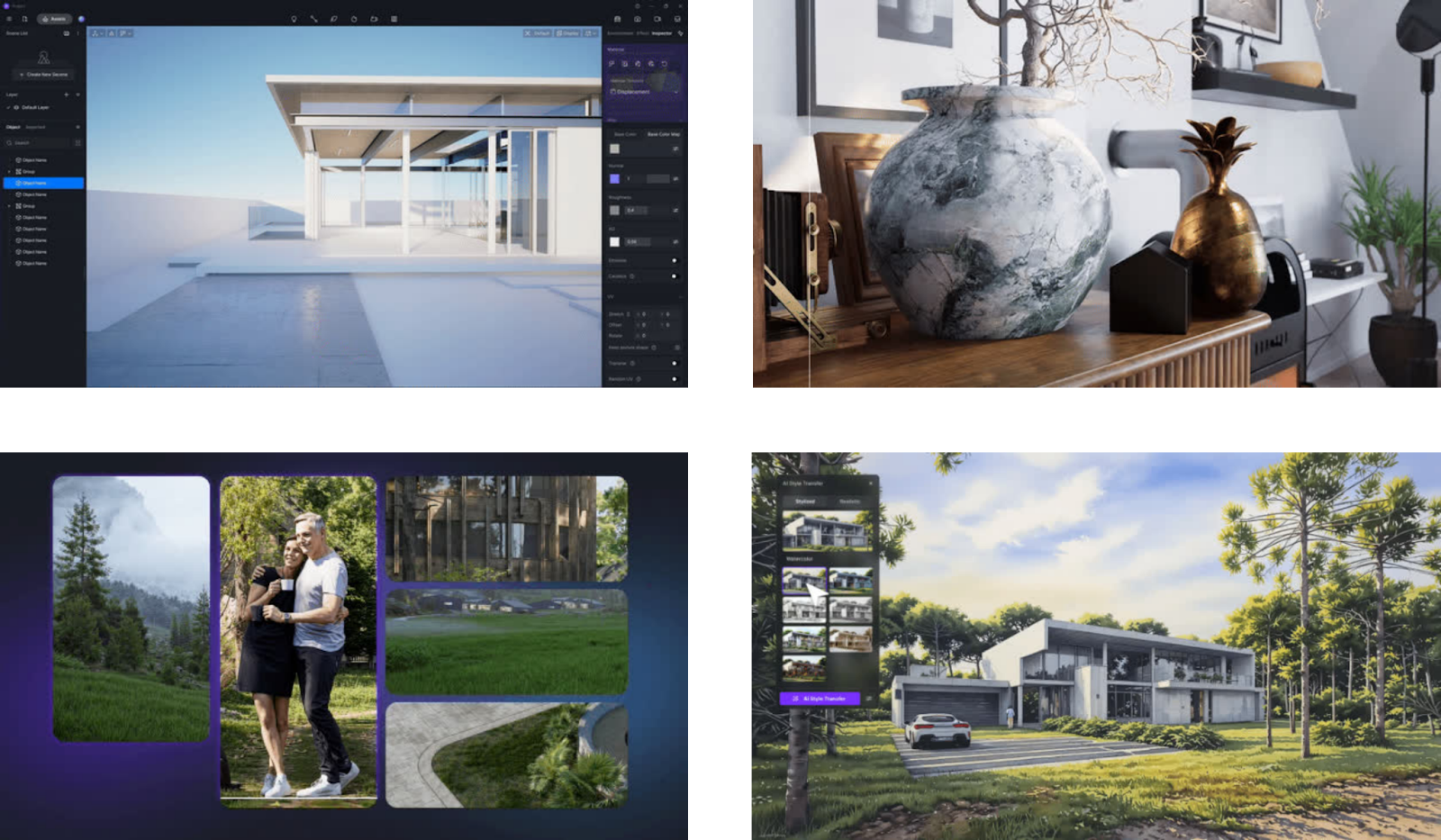
The integration of AI also elevates your workflow in D5 Render to the next level. With built-in tools, including the powerful AI Enhancer, you can quickly refine renders and effortlessly generate new styles and atmospheres.
Which rendering software is faster when making design changes?
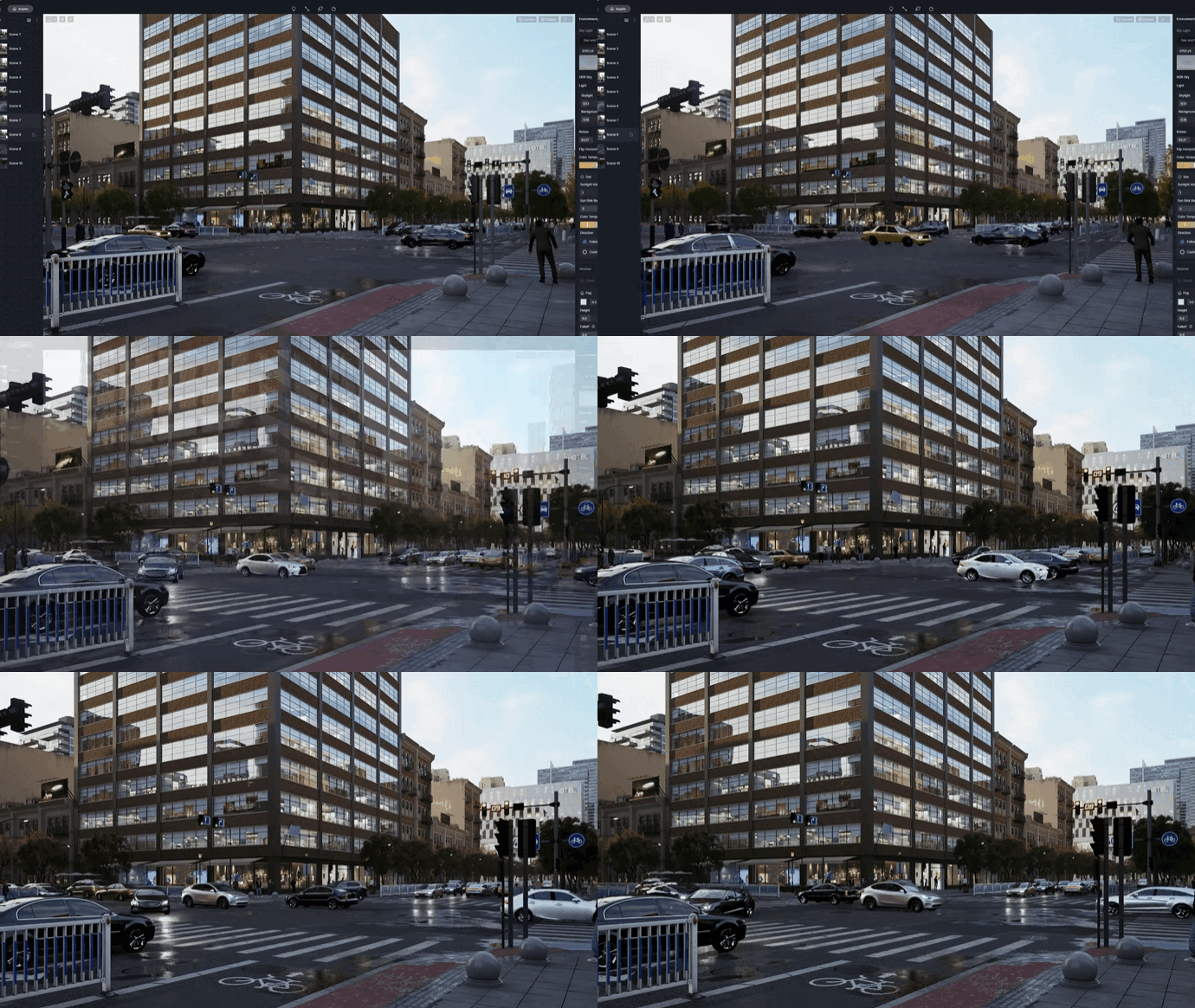
In modern architecture, design changes happen rapidly. D5 Render uses seamless Auto LiveSync, meaning every change in your 3D model appears instantly in the D5 viewport. If you adjust facade materials or move a wall, the visualization updates immediately.

In Twinmotion, synchronization works well, but the interface and object manipulation can feel less fluid. D5 Render keeps you in your creative flow thanks to smooth navigation (the best on the market) and a clear object list, giving you full control over your scene and allowing for much faster iterations.
How realistic are lighting, shadows, and reflections?
Photorealism helps convince clients faster. D5 Render delivers stunning results instantly thanks to the combination of real-time ray tracing and a highly powerful path tracer. Interior lighting appears warm and natural, shadows have soft transitions, and glass surfaces reflect the environment with precision.
Although Twinmotion also includes a path tracer, achieving the same level of photorealism often requires extensive manual fine-tuning and can feel less intuitive when adjusting materials. D5 Render ensures that photorealism is not the result of hours of tweaking, but a natural outcome of your base setup.
How extensive is the asset library?
A convincing scene depends on high-quality 3D models. D5 Render features a directly accessible library with over 14,000 optimized assets. While Twinmotion’s standard vegetation can sometimes lack detail and quality, D5 Render excels with a vast and highly realistic collection of trees, plants, and grass. In terms of animated characters (over 500 in D5 Render compared to around 60 in Twinmotion), D5 Render also offers significantly more variety.
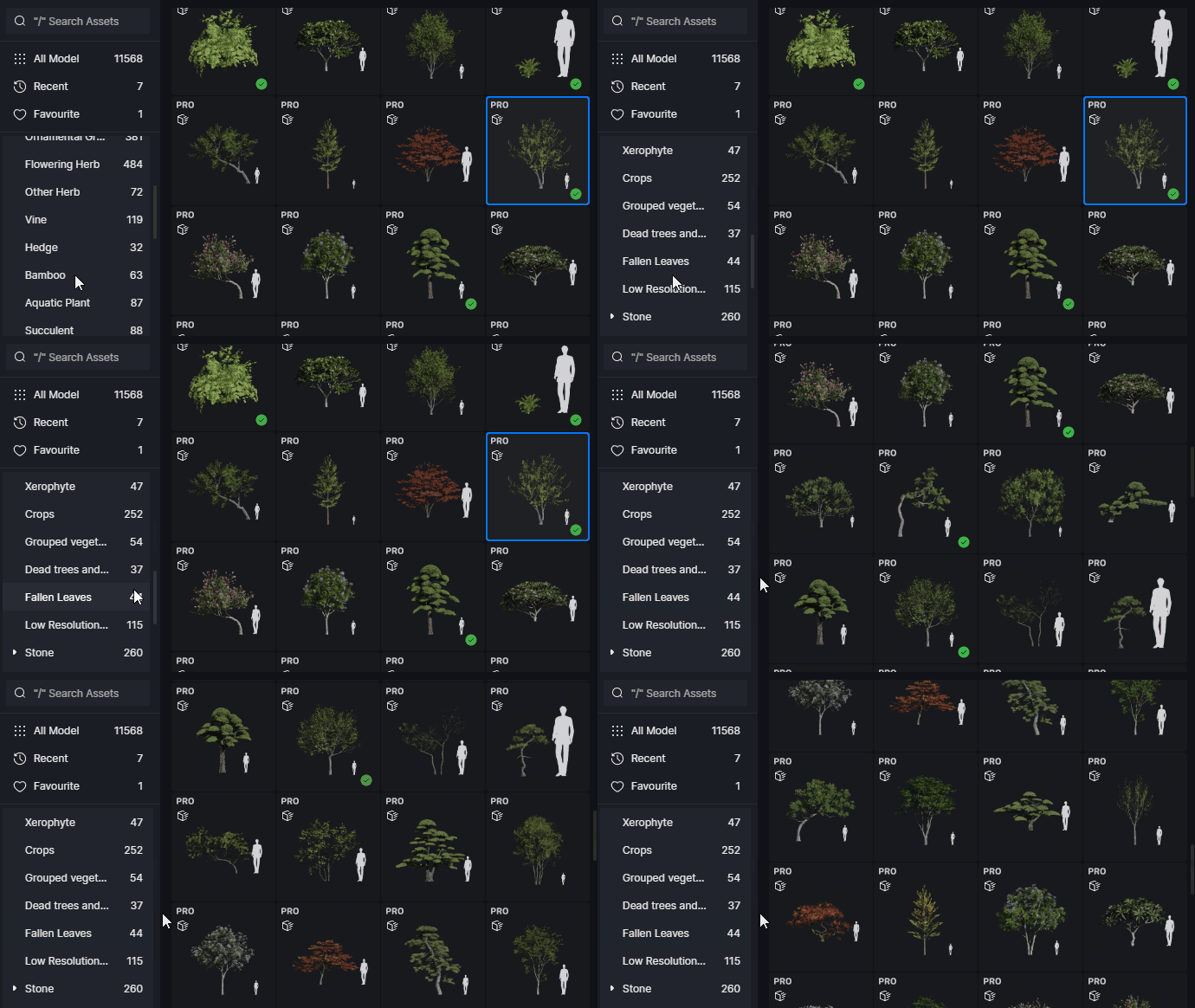
Moreover, D5 Render includes an extremely powerful Scatter Tool. With just a few clicks, you can populate entire landscapes with organically placed trees and shrubs. This works much faster and more naturally than the more limited scatter functions in Twinmotion.
Does D5 Render work with SketchUp, Revit, and other software?
D5 Render integrates seamlessly with the most commonly used architectural software. Whether you work in SketchUp, Revit, Rhino, Archicad, 3ds Max, Blender, or Cinema 4D, the LiveSync connection keeps your model continuously up to date. Because real-time rendering is directly linked to your design software, you can quickly test ideas visually, iterate more easily, and involve clients early in the process.
Twinmotion versus D5 Render: quick comparison
Why are more and more architects switching to D5 Render?
Designers are increasingly choosing software that truly supports their workflow and speeds up the design process. D5 Render consistently scores high in usability and offers a very complete feature set. From the clear object list to effortlessly creating animation videos without frustrating keyframe setups: everything in D5 Render is designed to optimize workflow.

According to reviews from KPF and BIG, D5 Render provides an efficient solution that saves time while delivering professional results.
Discover for yourself why D5 Render is the alternative to Twinmotion
Want to experience how smooth real-time rendering can be and how a powerful asset library brings your projects to life? Try D5 Render and discover the difference in speed, realism, and ease of use.
Start designing with D5 Render now!
FAQ - D5 Render versus Twinmotion
Is D5 Render a good alternative to Twinmotion?
Absolutely. D5 Render is currently one of the most powerful alternatives on the market. It offers a significantly smoother workflow, a clearer interface, and higher-quality assets (especially vegetation). The addition of essential tools like “round corners” and render element export makes it the better choice for professionals.
Is D5 Render faster than Twinmotion?
Yes, especially in daily use. While both programs render quickly, D5 Render saves a lot of time when building your scene. Thanks to its superior Scatter Tool, clear object list, and smooth navigation (gizmo), you can make adjustments and arrange scenes much faster than in Twinmotion.
Can I open my Twinmotion projects in D5 Render?
You cannot directly import Twinmotion files (.tm) into D5 Render. However, you can easily open the original 3D model (from SketchUp, Revit, Rhino, etc.) via LiveSync directly in D5 Render. Because D5 Render’s library and materials are so intuitive, you can quickly rebuild the scene with even more realistic results.
Do I need a powerful computer for D5 Render?
Since D5 Render uses advanced real-time ray tracing and path tracing, you need a computer with a powerful, modern GPU, preferably an NVIDIA RTX card. This also applies to Twinmotion if you want to achieve the highest quality.
Why is exporting “render elements” in D5 Render so important?
As a professional, you often want to refine your images further in Photoshop. D5 Render allows you to export specific channels (such as material IDs, reflections, and Z-depth). This means you can, for example, select and edit only the glass or background with a single click in Photoshop. This feature is completely missing in Twinmotion.