How to speed up your Lumion-workflow with D5 Render
Lumion users, does this sound familiar? Hours of waiting for renders, disappointing lighting effects and a workflow full of export/import hassle. Good news: D5 Render accelerates your existing Lumion processes with 5–10x faster renders, true real-time raytracing and direct import of your Lumion models.

In this article, you’ll discover how to go from a Lumion scene to winning visuals in D5 Render in 30 minutes, without losing your models.
The 3 biggest Lumion pain points
1. Endless render times
In Lumion, creating a single 4K still typically takes between 12 and 45 minutes. A short 60‑second animation – like a flythrough through your building – can easily take half a day or more.
With D5 Render, it works completely differently. While you’re working in D5, you see everything in real time on your screen at 60+ frames per second. Want to export a 4K image? That only takes a few seconds.
2. Trouble with light and reflections
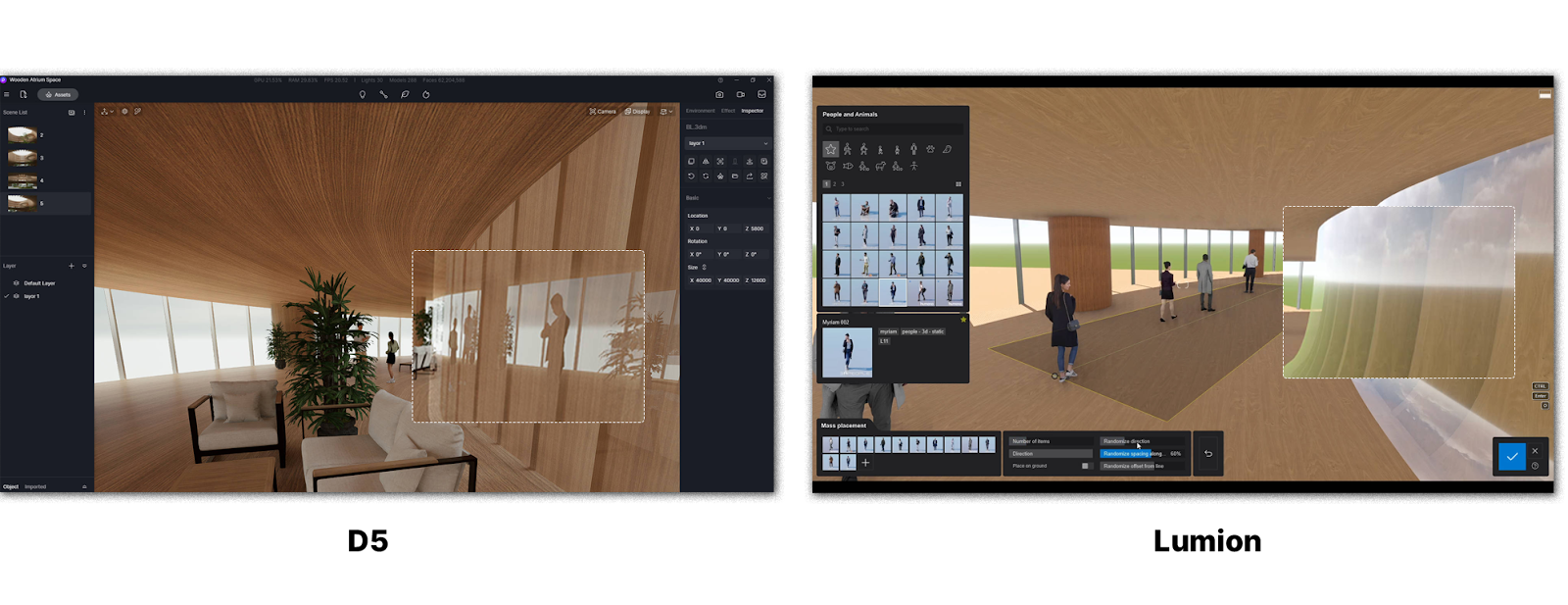
Lumion’s global illumination bakes the lighting once – after that, you don’t see live changes anymore. The raytracing in D5 Render shows glass reflections, soft shadows and realistic materials live while you are making adjustments.
3. Export/import chaos
In Lumion, your workflow looks like this: export your render → open in Photoshop → make adjustments → prepare the presentation.
D5 does this in one single step, importing .fbx/.skp files directly while preserving groups, materials and cameras. What you see is what you export – and it’s instantly ready for your client.

Step-by-step: speeding up your Lumion-workflow with D5 Render
Step 1: Direct import of your Lumion project
- Export your Lumion scene as .fbx or .skp
- Go to D5 Render → File → Import → select all groups, cameras, materials
- Scale and position are recognised automatically
Time saved: around 15 minutes per project.
Step 2: One-click material upgrades
Move from Lumion’s generic textures to D5’s extensive library of 1000+ PBR materials and upgrade your materials with a single click. Reflections and roughness are now visible in real time, so you no longer need baking.
Step 3: Turn your lighting from good to perfect
Convert your Lumion Sun/Sky to, for example, D5 HDRI “Golden Hour” and add 2 area lights to make your image more realistic. With D5 Render, you can also make live adjustments: rotate the sun or add bounce light. With these options you get highly realistic interiors without long calculations.
Step 4: Faster outputs than Lumion ever could
With D5 Render, you can generate exports in just a few seconds. That gives you an immediate time boost. How do you do it?
- Set your camera to the perfect angle (using the D5 viewport).
- Choose your resolution: Full HD for presentations, 4K for print.
- Click “Render” once → D5 exports straight away, with no waiting.
Pro tip: drag 10+ camera viewpoints into the render queue and D5 will render them automatically one after another. Perfect for complete presentation sets. Meanwhile, you can work on something else – or take a well‑deserved coffee break.
D5 Render vs Lumion in hard numbers
Switch checklist: start your transition today
☑️ Download your free D5 Render trial
☑️ Import your Lumion project
☑️ Test one still and one animation and see how fast it goes
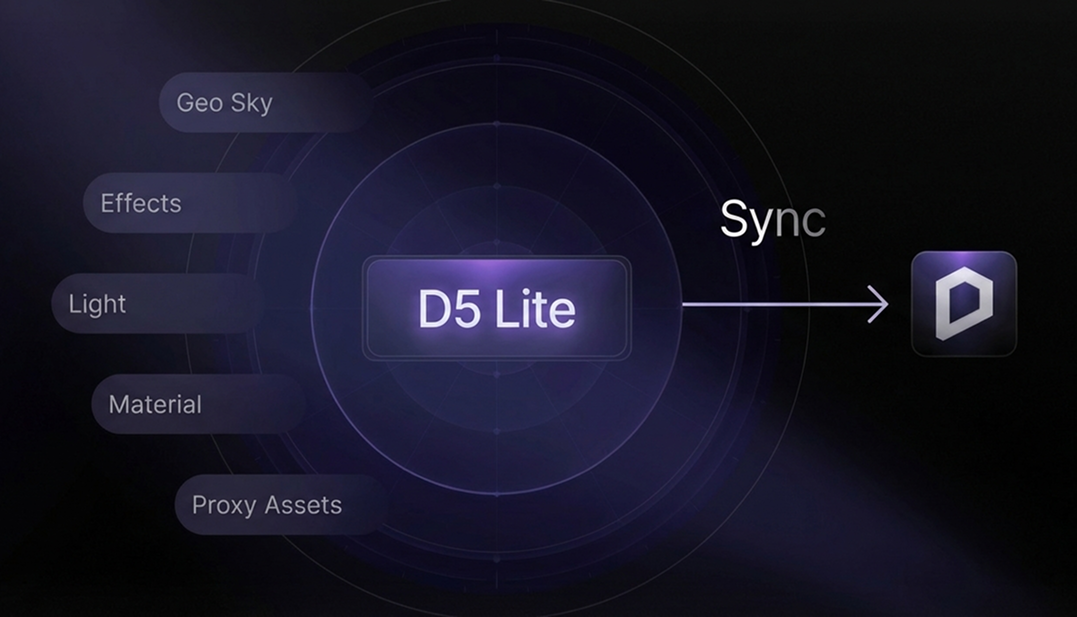
☑️ Install LiveSync for new projects
☑️ Calculate your ROI: time saved × hourly rate = annual savings
Ready to speed up your Lumion-workflow?
Start your journey with D5 Render now!
FAQ: moving from Lumion to D5 Render
Can D5 import my Lumion assets and materials?
Yes, .fbx/.skp import preserves groups, cameras and base materials. D5 automatically upgrades them to PBR.
Do I have to drop Lumion completely for D5 Render?
No, you can choose a hybrid workflow: use Lumion for some animations and D5 Render for real-time presentations and stills.
What if my team are Lumion experts and I want D5 Render?
D5 Render’s interface is similar to Lumion and very easy to use. Your team can learn the basics in 1 hour, and you can cover more advanced topics in a one‑day training.